🚀 Getting Started
Beginner's Guide
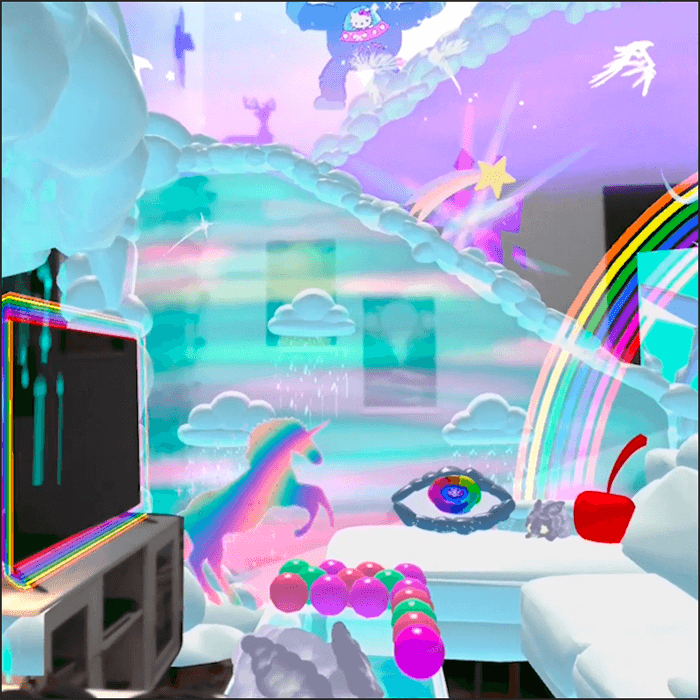
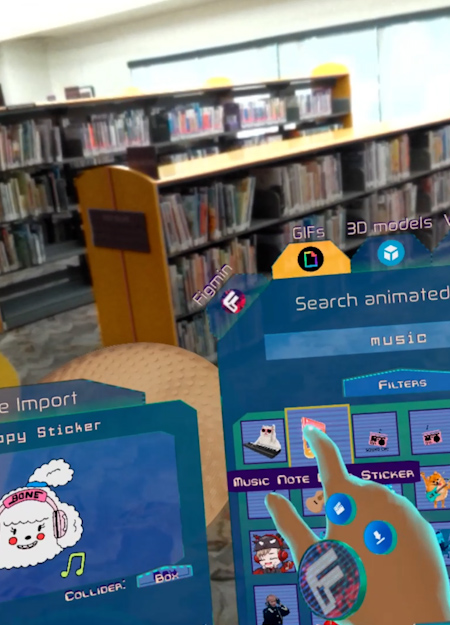
The complete introduction for new users. Learn the basics of how to explore and collect different virtual experiences and items in Figmin XR.
Basic Controls
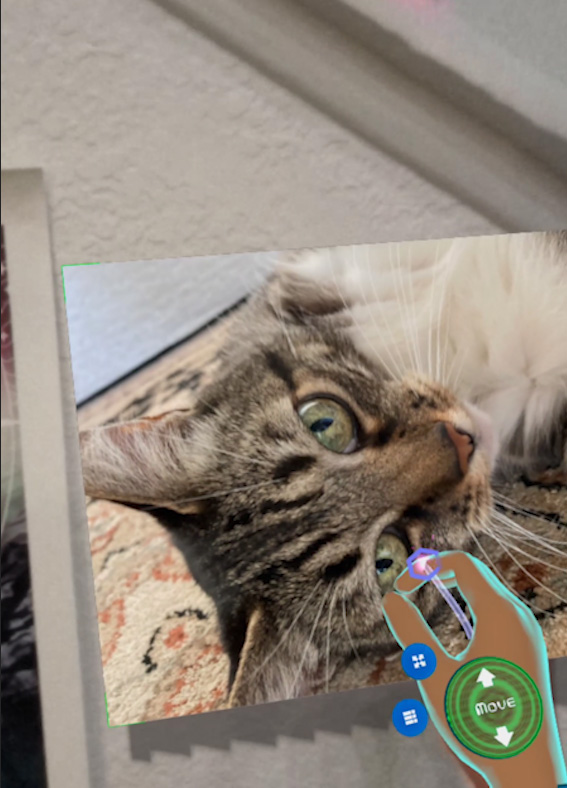
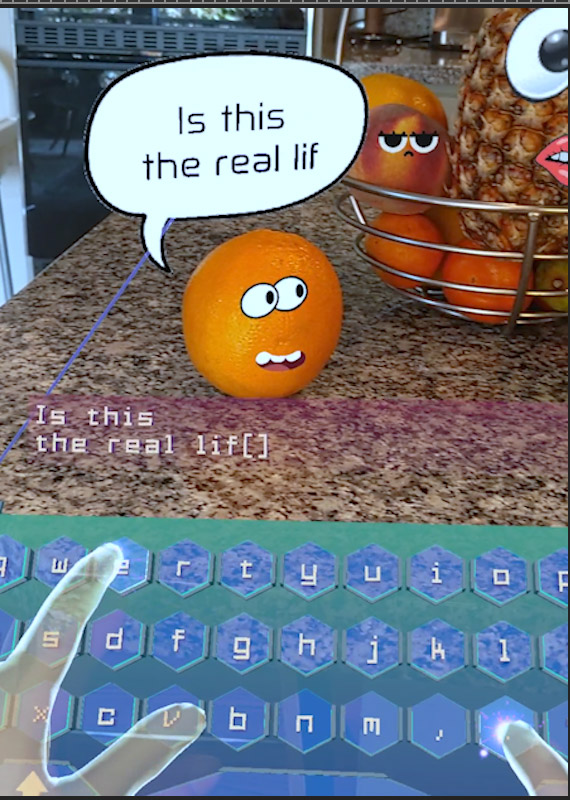
Explore the Contextual UI — the secret sauce behind supporting so many different devices. Learn core interaction controls including grabbing, moving, and resizing objects.
MX Ink Stylus Controls
Learn how to use the Logitech MX Ink stylus in Figmin XR for precision editing and natural sketching.
🎨 Creating & Sketching
Sketch Editor — Basics
Introduction to the sketch tools. Learn how to draw in 3D space using the Tilt Brush-powered sketch editor with various brushes and colors.
How to Create Basic Shapes
Create many shapes with the geometry brushes. Learn circles, cubes, lines and other primitives directly in your space.
Brush Categories
Discover different brush types and styles. From solid brushes to glowing neon and particle effects, each category opens creative possibilities.
Selection Tool
Select, move, resize, and edit your sketches after drawing them. Refine your creations with precision.
Rebrush Tool
Change the color, style, or brush type of existing sketches without redrawing them. Recolor and restyle with ease.
How to Add Sketches to Objects
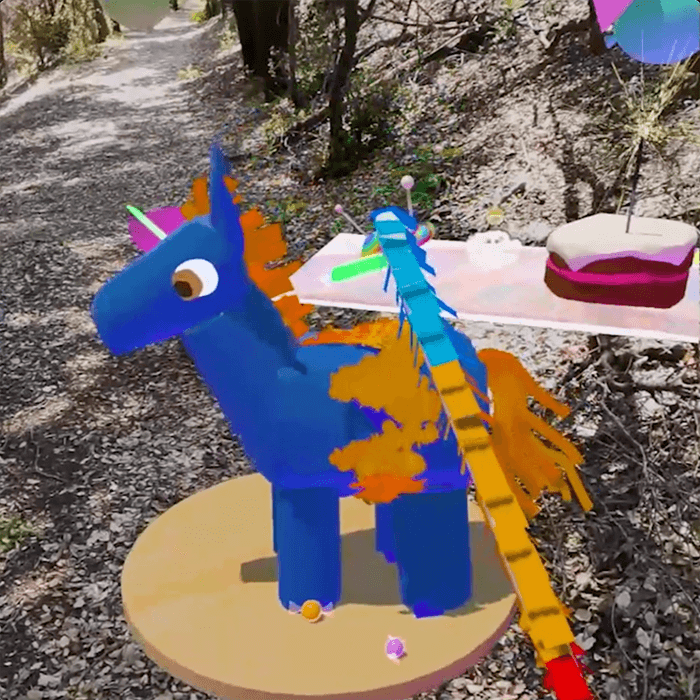
Attach sketches to 3D objects so they move, rotate, and scale together. Add custom details and decorations to imported models.
Audio Reactive Brushes
Create awesome effects by combining audio-reactive brushes with YouTube videos. Your sketches pulse and dance to the beat of the music.
⚙️ Physics & Motion
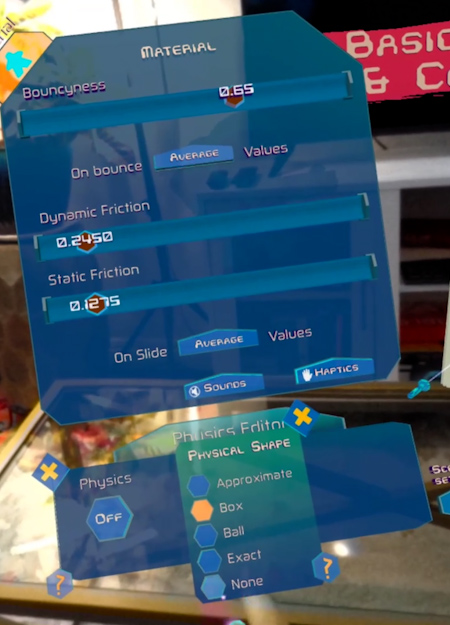
Physics Editor — Basics
Add gravity, collisions, and real-world physics to any object in your scene to bring your creations to life.
Advanced Physics Modeling
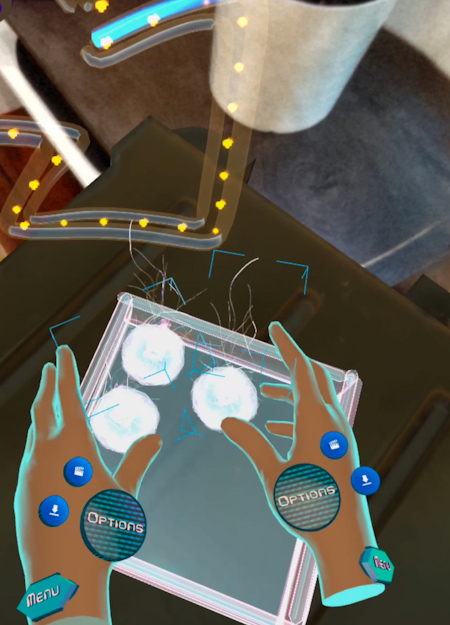
Build intricate contraptions, chain reactions, and sophisticated mechanical models using advanced physics tools.
Gravitational Fields
Create gravity wells and custom gravitational effects. Make objects orbit, attract, or repel each other.
Motion Editor
Animate objects by simply moving them around your room. The motion editor records your movements and replays them as looping animations.
🗃️ Scene Management
Scene View
Move the scene and zoom in and out. Great for manipulating large objects or getting up close for small, intricate details.
Locking Objects
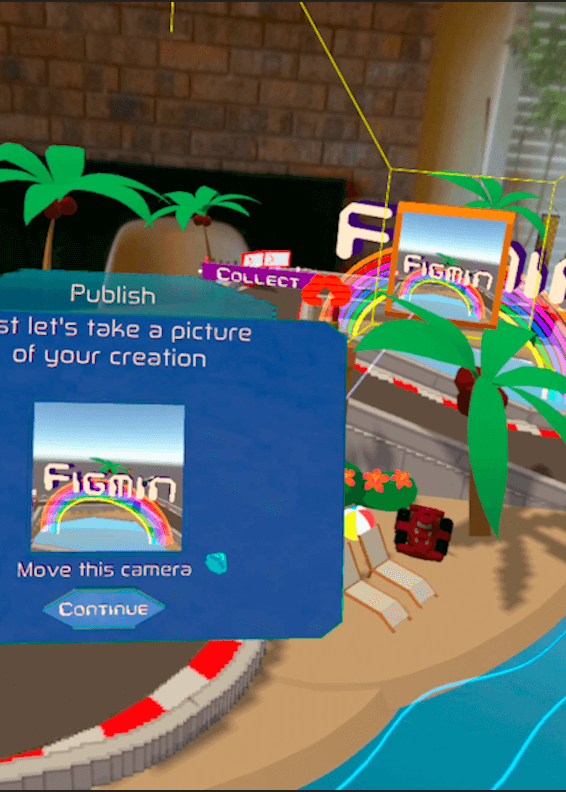
Pro tip: lock your objects before you publish your scenes! Prevent accidental edits and keep everything exactly where you want it.
Lighting Editor
Learn all about scene and object lights. Illuminate your real world with point lights, spotlights, and ambient lighting effects.
🛠️ Advanced
Web Browser
The built-in browser can extract content to view in 3D space and create web-apps. This is the gateway to the Scripting API and building full spatial applications.
Ready to Create?
Jump in and start building in mixed reality.