
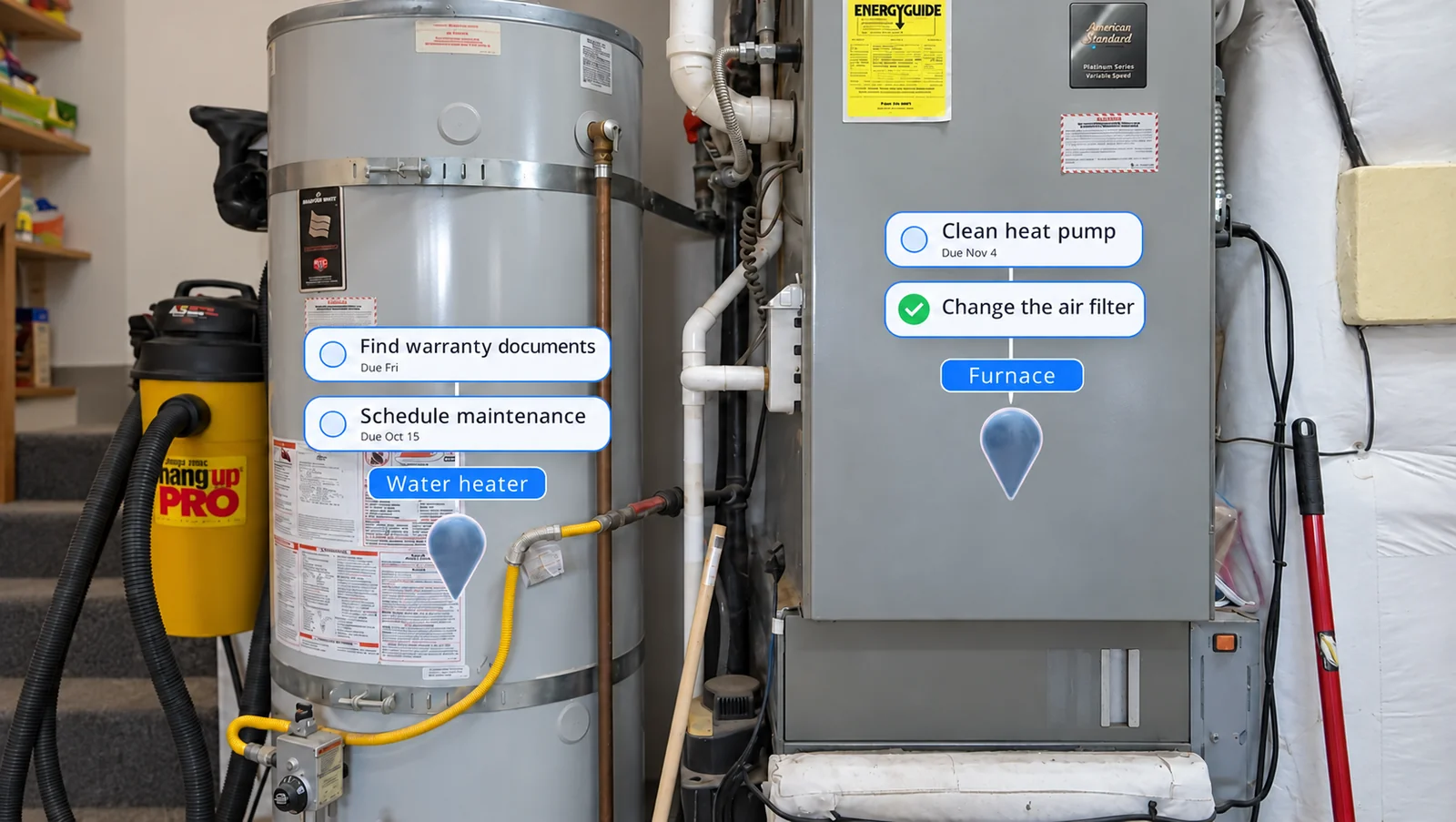
The jobs that come around again
Remember occasional upkeep.
Place reminders beside appliances and equipment that need maintenance, with repeating schedules for jobs that come around again.

 Spatial Tasks
Tasks,
in your world.
What if you could leave a task right where it needs doing, and find it waiting there when you return?
Available on Android XR.
Trailer coming soon.
Right where you left it
With Spatial Tasks, you can. Leave “change the filter” on the air purifier, or your next steps beside an unfinished project. Put on your headset and your tasks are right where you left them.
Walk up, do the thing, tap it done.
A place for every task
Pick where it belongs: a space like Home or Workshop, and a place inside it like the fridge or the workbench.
Put the marker where you want it. It stays put, session after session.
See your tasks stacked above each place. Tap to complete, drag to move, reorder by hand.
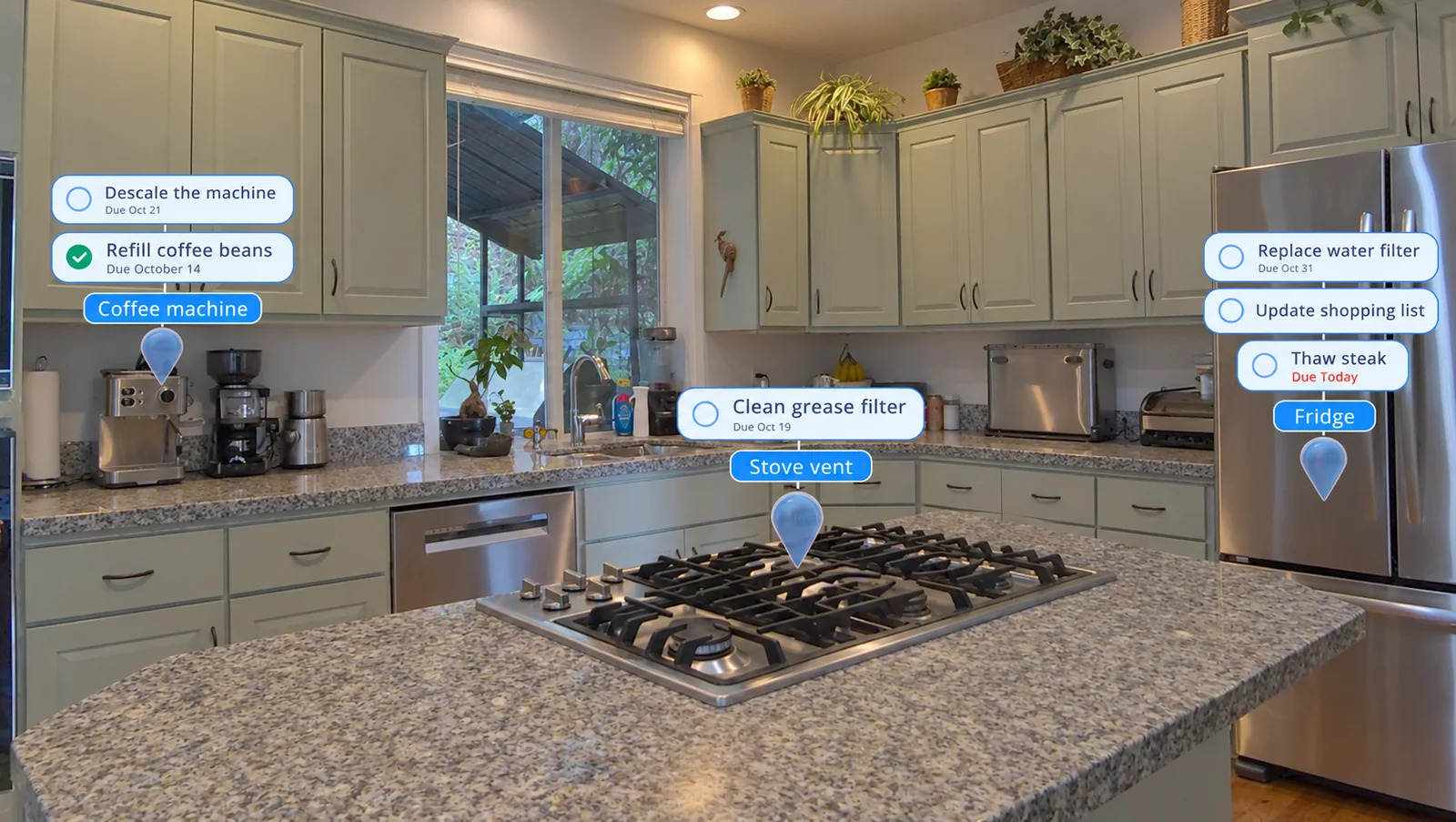
In your world
Place reminders beside appliances and equipment that need maintenance, with repeating schedules for jobs that come around again.
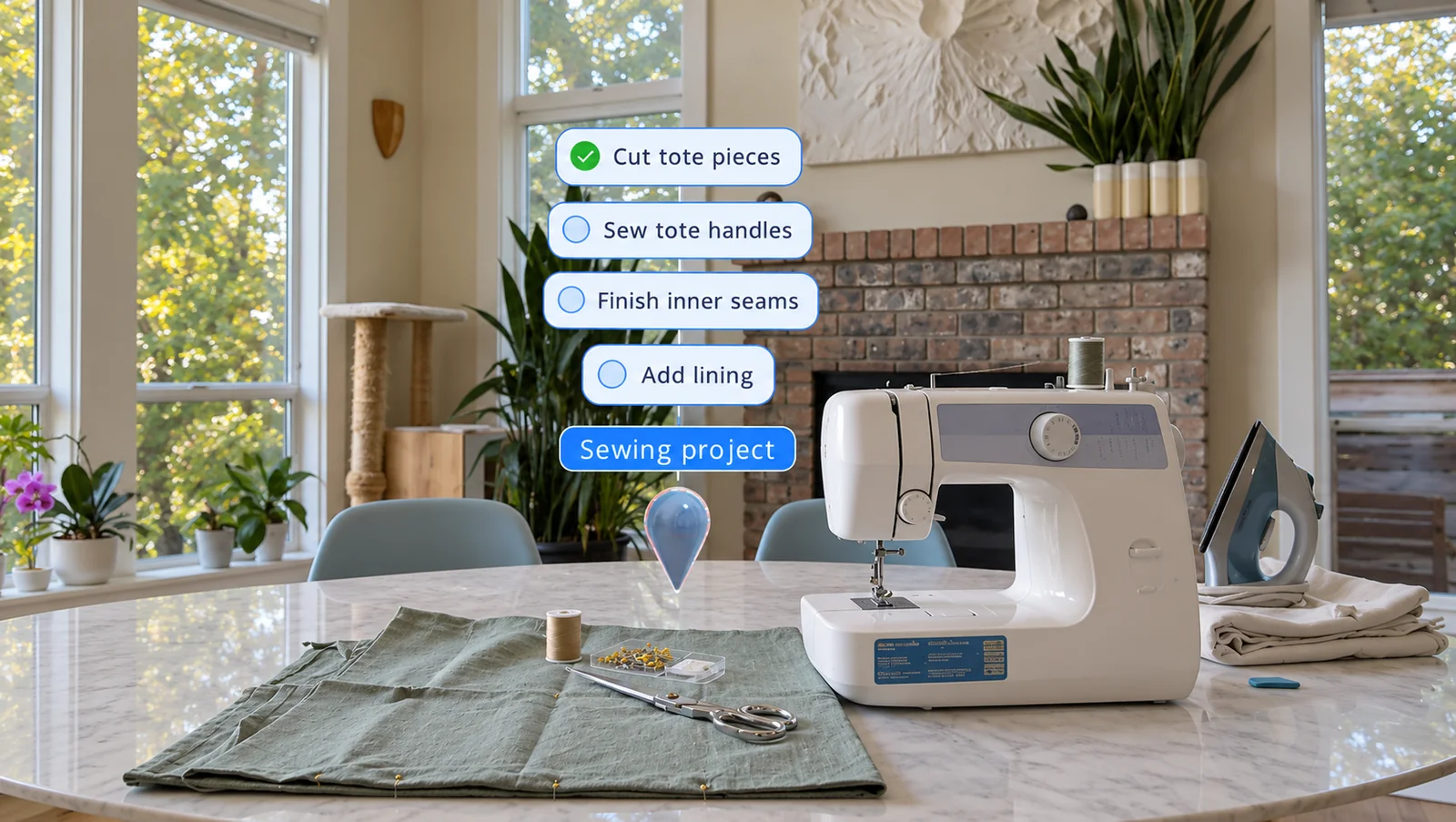
Leave yourself the next few steps beside your work, whether you’re restoring furniture, setting up a workshop, or working on a creative project.
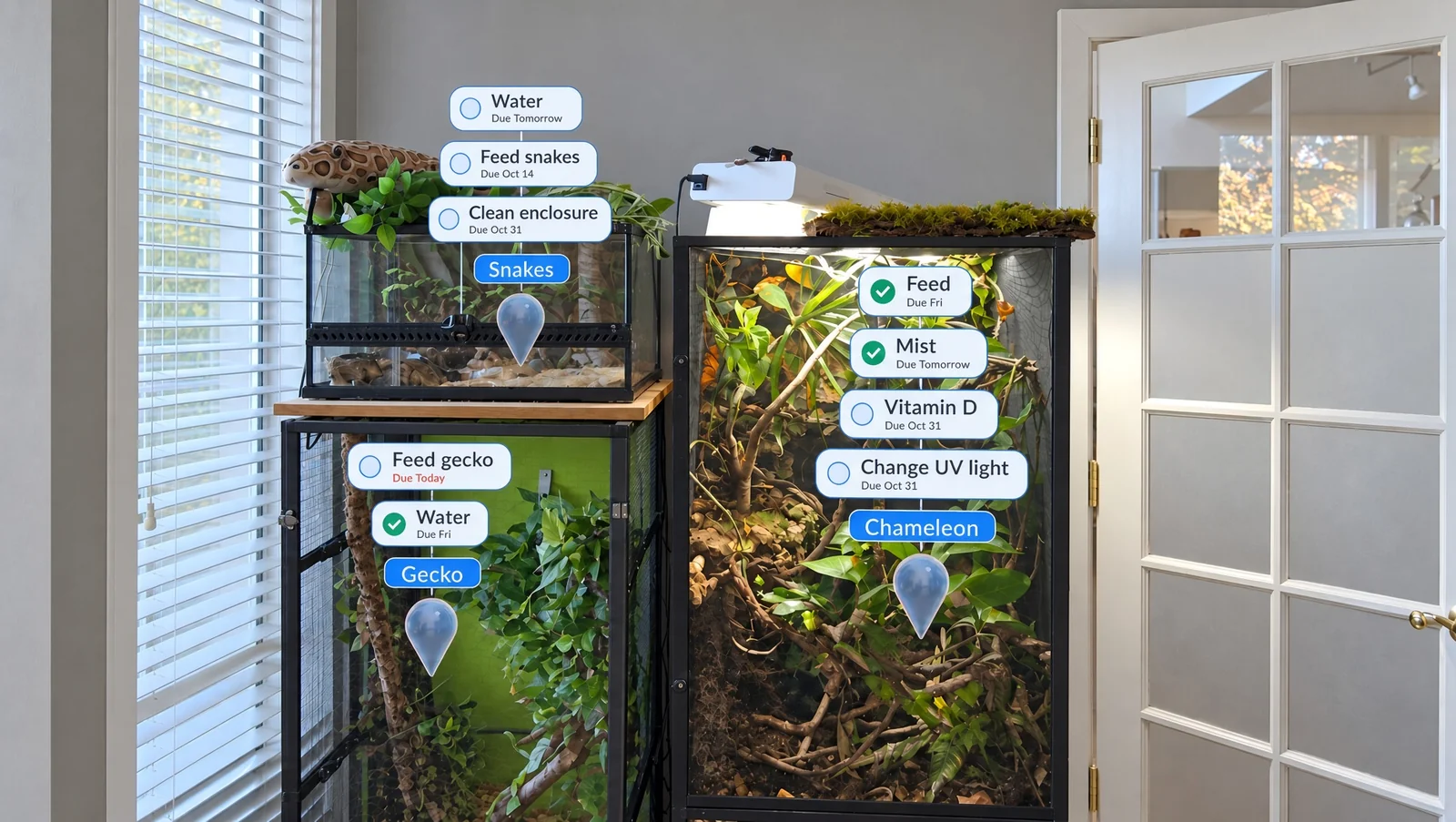
Set up chores or instructions around your space, then hand over the headset. They can find what needs doing and check it off as they go.
The whole picture, too
Get an overview in the task list, or focus on what’s due today. Add due dates, priorities, repeating schedules, and notes.
Browse by space, place, or tag, and personalize your tags to suit the way you work.
 Due dates & priorities
 Repeating schedules
 Personalized tags
 Notes for the details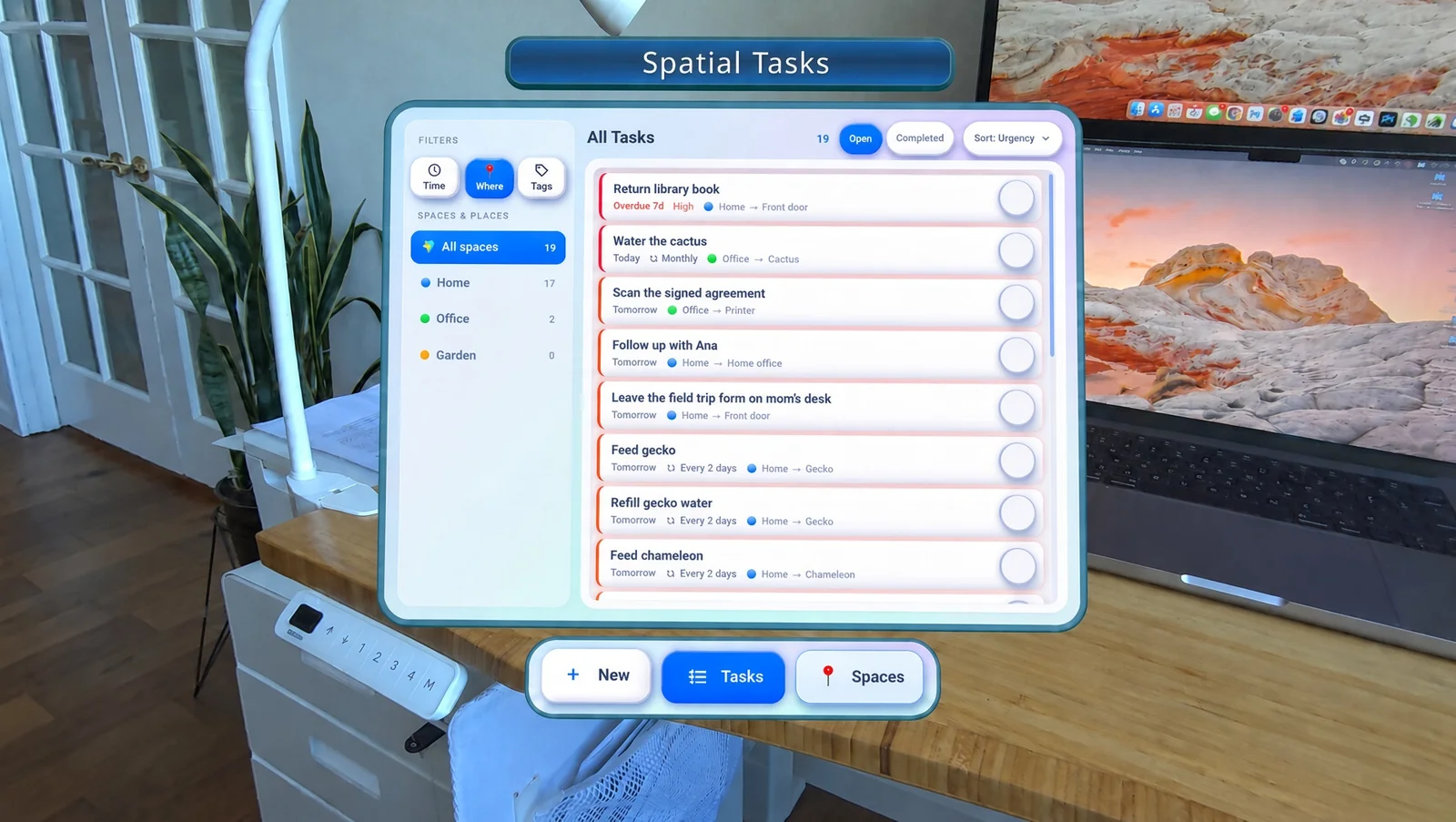
What will you get done first?
Get on Google PlayAvailable on Android XR. More platforms on the way.