🏆 Mixed Reality App of the Year
2024 & 2025 — UploadVR

Create, Collect & Play
in Mixed Reality

The award-winning spatial computing platform for building, playing, learning, and prototyping — now with AI agents support.

Meta Quest Meta Quest Vision Pro & iOS Steam
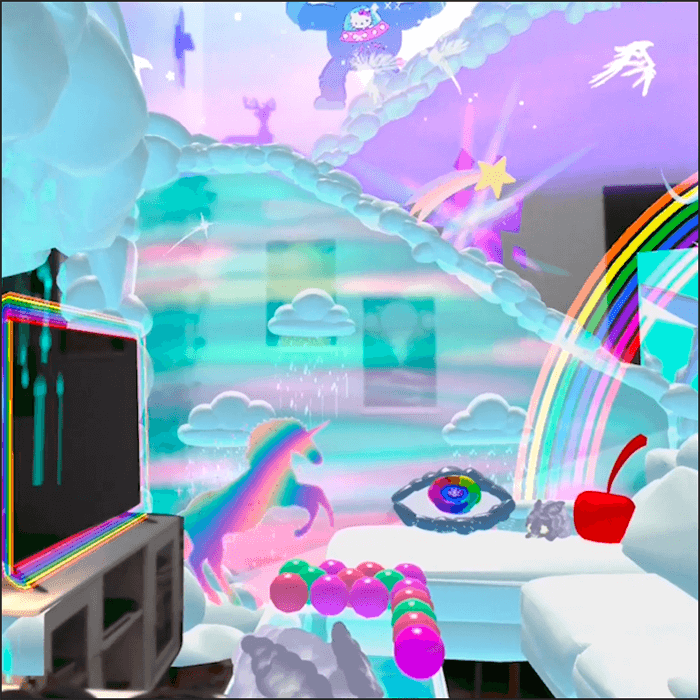
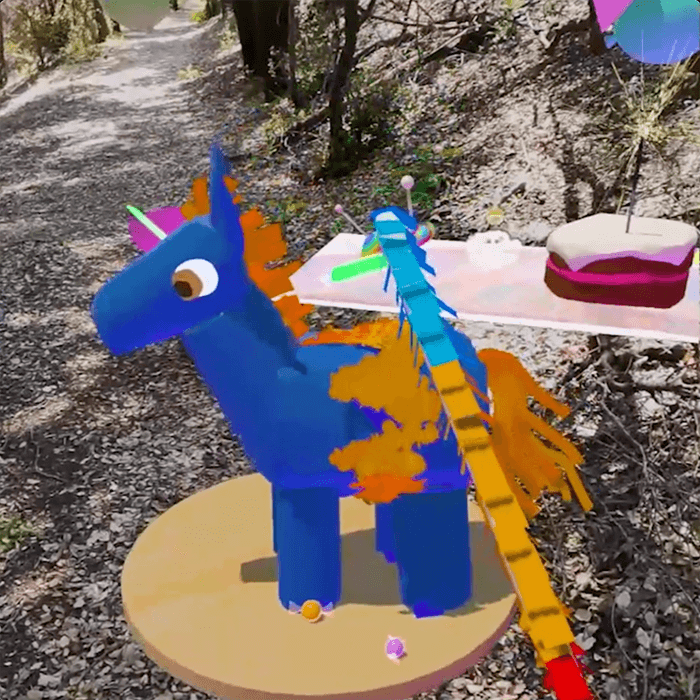
Figmin XR — colorful mixed reality creation scene

What You Can Do

A creative playground where your imagination fills the room.

3D Sketching

🎨 Sketch & Paint in 3D

Draw in mid-air with Tilt Brush-powered tools. Audio-reactive brushes dance to your music.

Physics Games

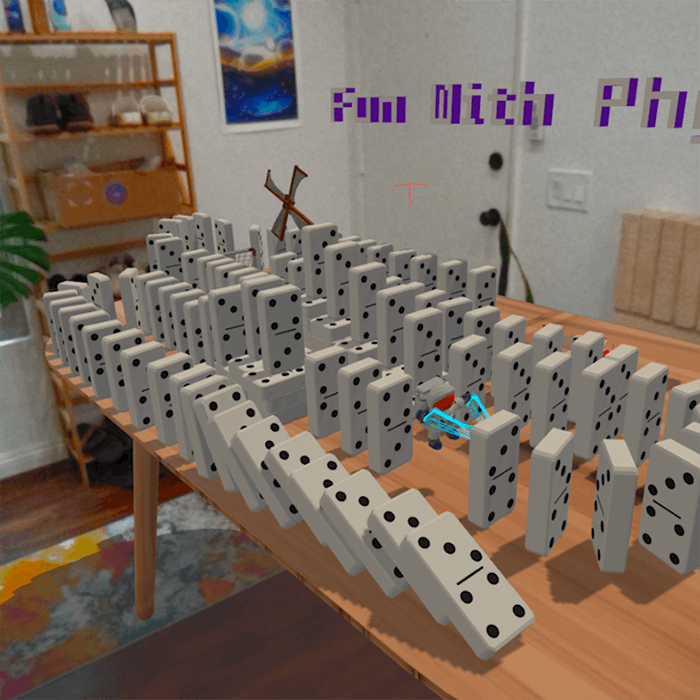
🎮 Play Physics Games

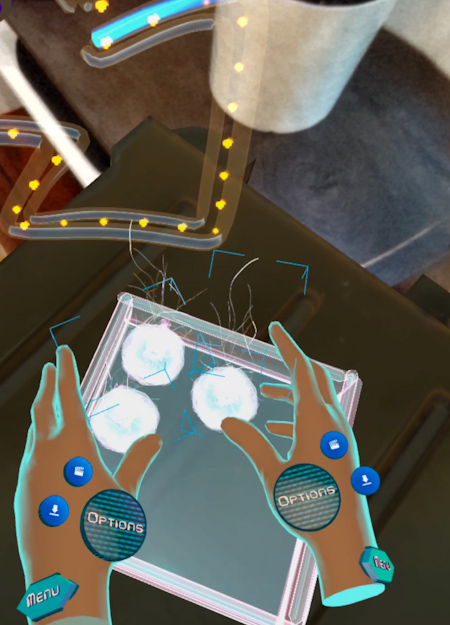
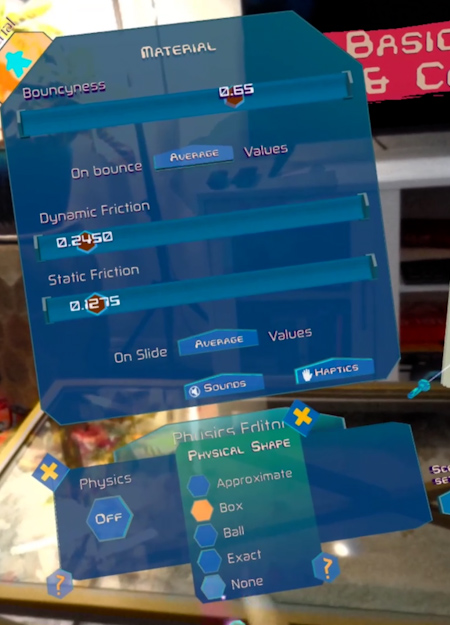
Build Rube Goldberg machines, gravitational fields, and physics sandboxes on your table.

3D Model Search

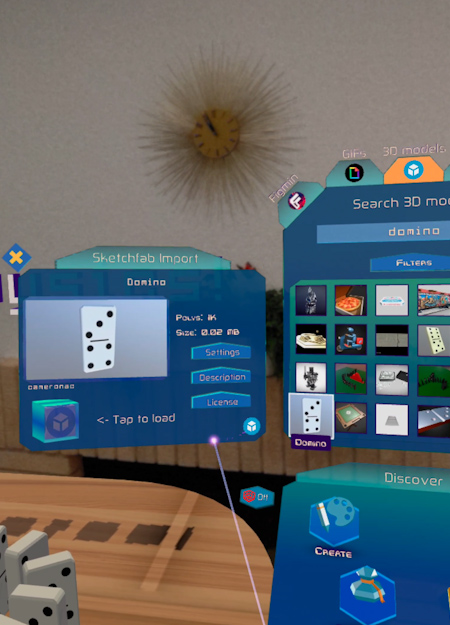
🔍 Search & Import 3D Models

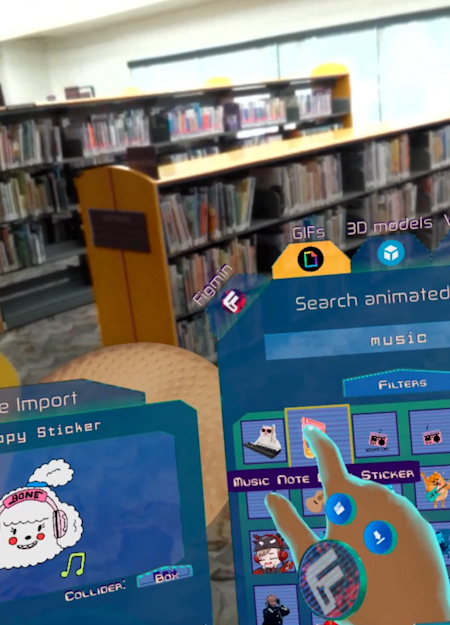
Search Sketchfab directly, or use the built-in web browser to bring models into your scene.

Teaching

🎓 Teach & Learn

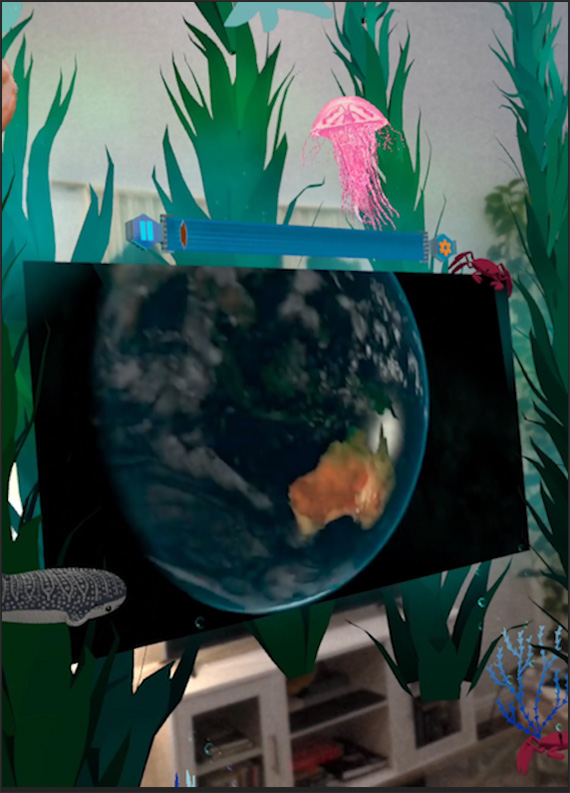
Create interactive 3D lessons. Visualize molecules, explore solar systems, annotate in space.

Immersive Scenes

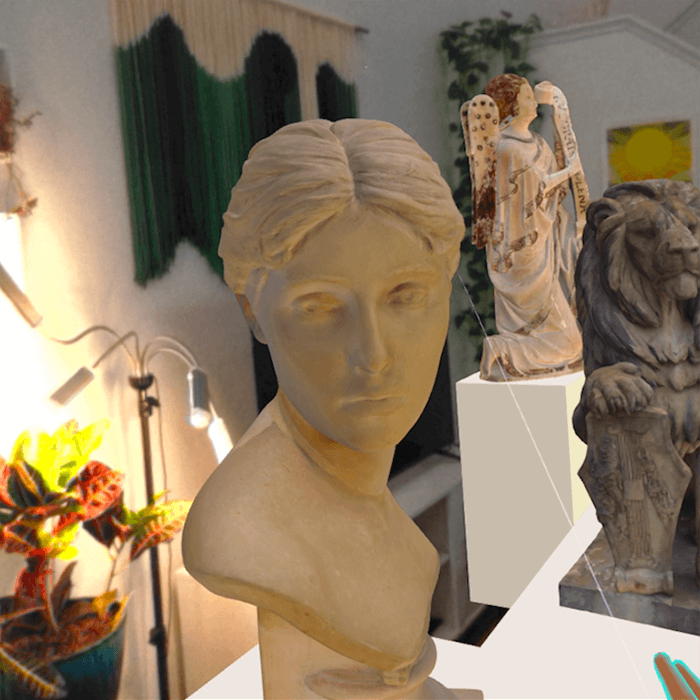
🌌 Create Immersive Scenes

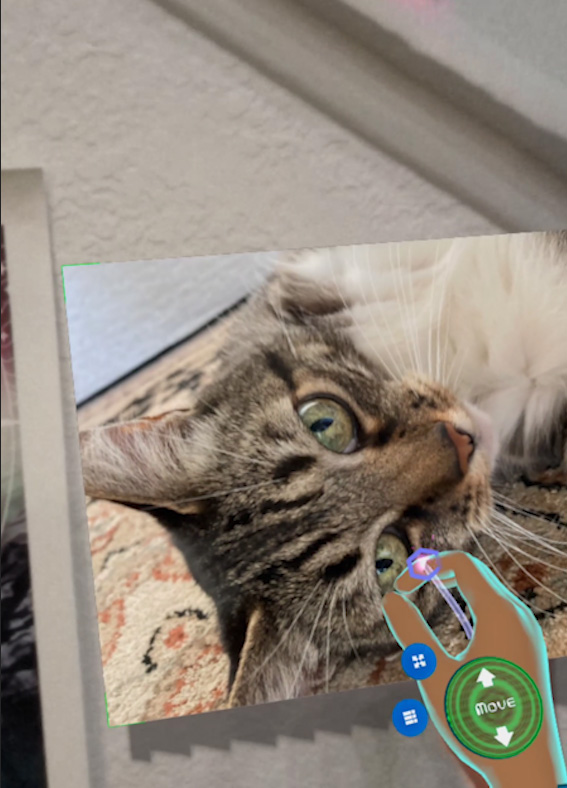
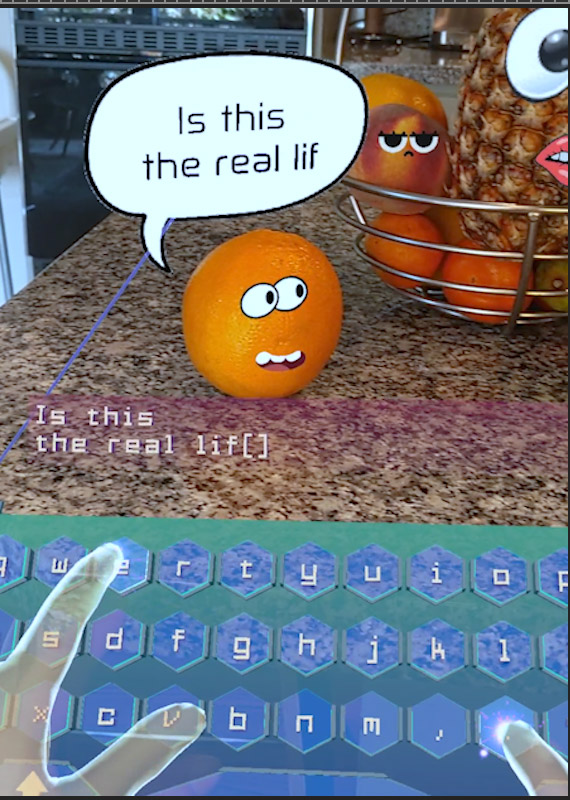
Fill your room with lights, animated GIFs, YouTube videos, and thousands of 3D models.

const text = figmin.createObject(
  figmin.ObjectType.TEXT3D, {
  position: { x: 0, y: 1, z: 0 },
  text: "Figmin XR"
});
text.onUpdate((dt) => {
  let r = text.transform.rotation;
  r.y += 45 * dt;
  text.transform.rotation = r;
});

💻 Code Spatial Apps

Build full spatial applications with JavaScript. Explore the API →

⚡ Unique Feature

Cross-Platform Multiplayer

People on different headsets in the same physical room, sharing the same spatial experience. Meta Quest, Apple Vision Pro, and more — together.

Meta Quest Apple Vision Pro Steam VR iOS
🎓 For Everyone

Learn Figmin XR

Video tutorials covering everything from your first steps to advanced physics, 3D sketching, multiplayer, and the built-in web browser. Organized by category so you can jump right to what you need.

  • Getting started & basic controls
  • Sketch editor & brush techniques
  • Physics, motion & lighting
  • Multiplayer & sharing
  • Web browser & advanced features
Browse Tutorials →
Beginner's Guide
Start here: Beginner's Guide Explore and collect virtual experiences and items
Sketch Editor Sketch Editor
Physics Editor Physics Editor
Multiplayer Multiplayer
Web Browser Web Browser
AI Agent Support

Bring an AI Agent
Into Figmin XR

Connect your AI assistant to Figmin XR so it can work with you live inside the app: respond to your voice, inspect your scene, create content, and help build spatial apps.

  • Realtime chat inside Figmin XR
  • Speech, voice, and agent camera support
  • Scene-aware assistance and app creation
Set Up AI Agents →
AI assistant connected to Figmin XR in a live mixed reality session
💻 For Developers

Build Spatial Apps
with JavaScript

Figmin XR includes a full Scripting API. Create interactive spatial applications, multiplayer experiences, and AI-powered tools — right inside mixed reality.

  • Full JavaScript API for spatial objects
  • Physics, lighting & animation control
  • Multiplayer & networking built-in
  • AI-friendly development workflow
  • Built-in web browser for testing
Explore API Docs →
function init() {
  // Load a 3D model and place it in front of the user
  const model = figmin.createObject(figmin.ObjectType.MODEL3D, {
    url: "https://example.com/spaceship.glb",
    targetSize: 0.5
  });

  model.onStart((obj) => {
    // Position it 1.5m in front of the camera
    const cam = figmin.getCamera();
    const p = cam.transform.position;
    const fwd = cam.transform.forward;
    const DIST = 1.5;

    obj.transform.position = {
      x: p.x + DIST * fwd.x,
      y: p.y + DIST * fwd.y,
      z: p.z + DIST * fwd.z,
    };
    obj.transform.rotation = cam.transform.rotation;
  });
}
document.addEventListener("FigminReady", init);
🏆
Mixed Reality App of the Year
2024 & 2025
UploadVR — Two years running
VRScout PCMag VentureBeat Inverse 80 Level Mixed News

What Our Users Say

Join the Community

Thousands of creators sharing ideas, getting help, and pushing the boundaries of mixed reality.

Get Figmin XR

Available on all major XR platforms. One app, every platform.